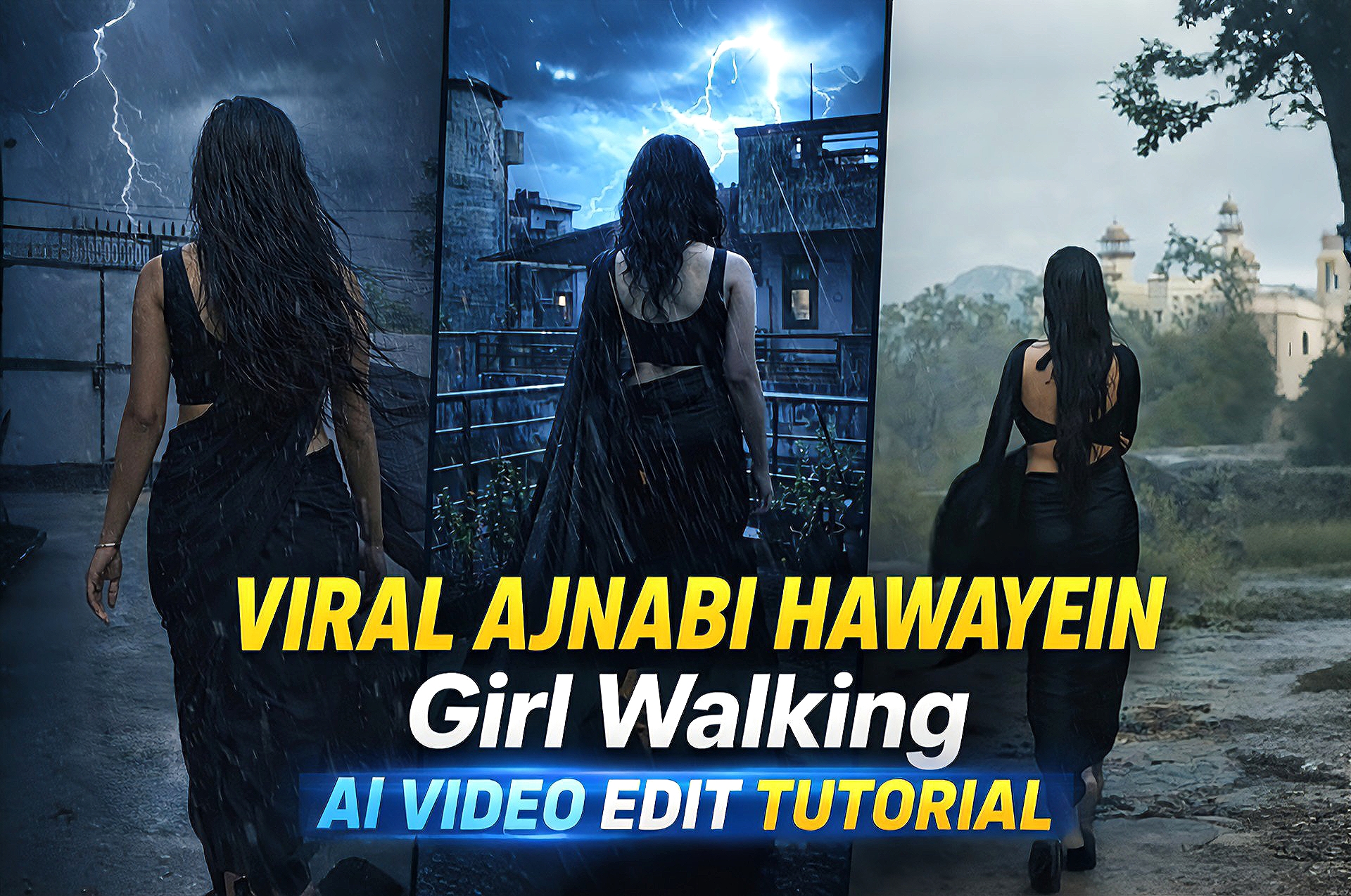
AI video editing is becoming one of the fastest-growing trends on social media platforms like Instagram, YouTube, and TikTok. Creators are now making cinematic reel edits using simple AI tools without needing advanced editing skills.In this guide, you will learn how to create a viral “Ajnabi Hawaein Girl Walking” style AI video edit with smooth cinematic effects and professional quality.
How to Use This Method
Follow these steps to create your viral edit:
Open your preferred AI video or image generation tool
Upload your photo or generate an AI image
Apply cinematic lighting and mood effects Add rain, lightning, or dramatic atmosphere (optional)
Import the result into a video editor
Add music (Ajnabi Hawayein style) and transitions
Export your final video
How This Works
AI tools analyze your input and generate cinematic visuals with enhanced lighting, depth, and mood.By combining AI-generated visuals with basic video editing, you can achieve a professional reel-style output that looks visually appealing and engaging.
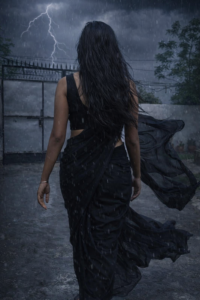
IMAGE PROMPT
Change her dress into black saree sleeveless blouse open hair with dark rainy weather thounderstorm slow rain wind her saree,s fall flow in wind use upload photo type same body structure
VIDEO PROMPT
Create a cinematic slow-motion video of the girl walking forward. Add light rain and soft wind. Her hair and black saree should flow naturally in the wind. Include dark cloudy sky and occasional lightning in the background. Keep realistic motion, smooth animation, and dramatic lighting.
Tools Used In This Edit
AI image/video generator (for base visuals)
Enhancement tools (for better quality)
Video editor (for final editing, transitions, and effects)
Editing Process (Step-by-Step)
Step 1: Generate or select your base image
Step 2: Apply cinematic effects (lighting, color tone)
Step 3: Add rain/lightning or environment effects
Step 4: Import into video editing app
Step 5: Add music and transitions
Step 6: Export in high quality (HD/4K)
Best Use Cases
Instagram reels
YouTube shorts
Cinematic edits
Viral content creation
Portfolio show case
Why This Edit Is Trending
Cinematic AI edits are trending because they combine storytelling with visual effects.The emotional vibe, smooth transitions, and dramatic lighting make these edits highly engaging and shareable.
Conclusion
Creating a viral “Ajnabi Hawayein Girl Walking” AI video edit is now easy with the help of AI tools and basic editing techniques.With the right approach, you can create professional and viral content in just a few steps.