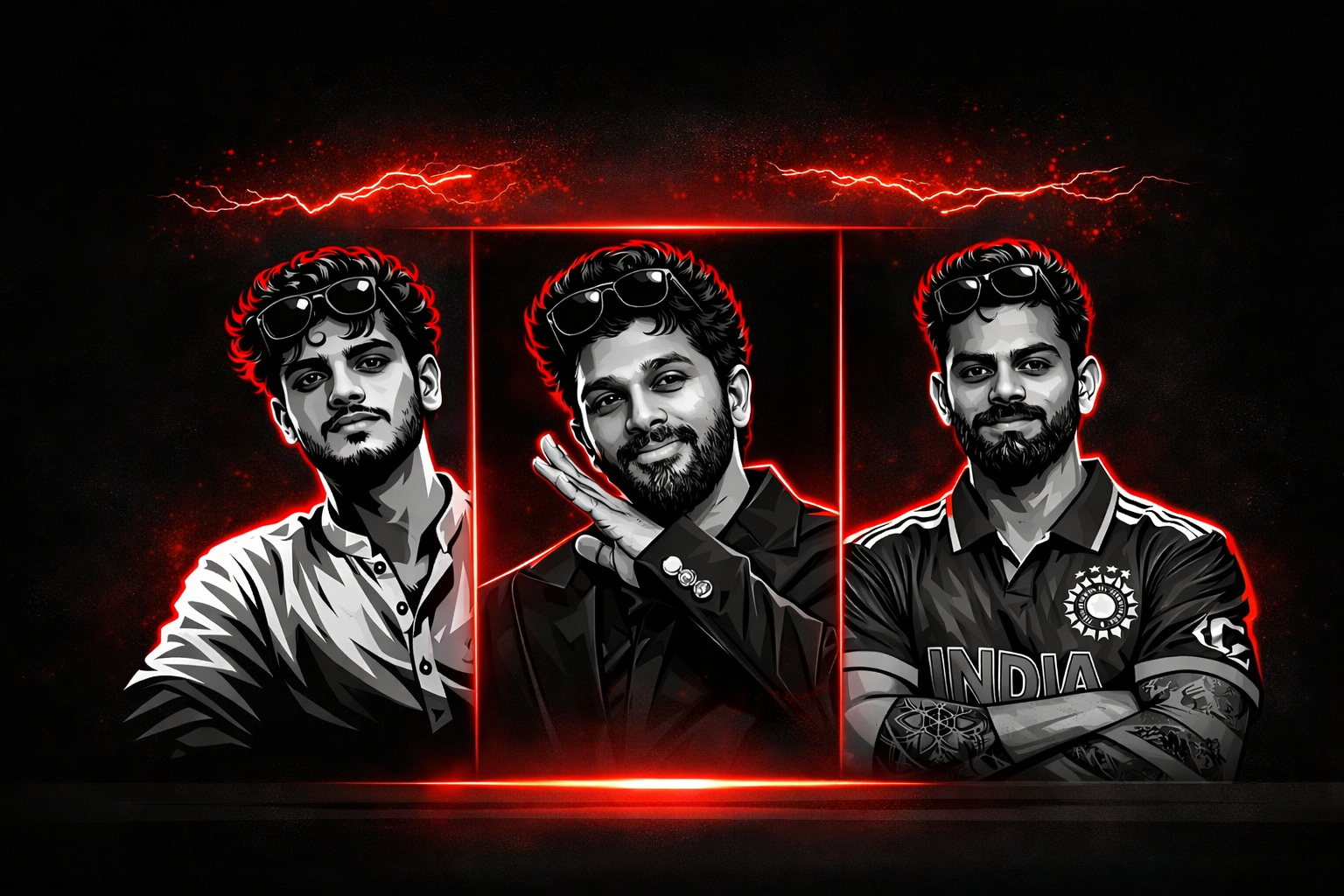
AI vector art editing is becoming one of the most popular trends in digital design and social media graphics. Many creators and editors are using AI tools to transform normal photos into stylish vector illustrations that look clean, modern, and professional.
Vector art style images are widely used for profile pictures, posters, thumbnails, and branding designs. The sharp lines, smooth shading, and bold contrast make these images visually appealing and highly shareable on social media platforms.
In this post, we are sharing a powerful AI Vector Art editing prompt that can convert your normal photo into a high-quality vector style illustration. This prompt keeps the face details natural while applying a dramatic vector shading effect that looks similar to professional graphic artwork.
Why This AI Vector Art Prompt Is Trending
The popularity of vector style portraits has grown rapidly because they provide a clean and artistic look compared to normal photos. Many YouTube creators, designers, and social media influencers use vector portraits for their thumbnails and profile pictures.
With the help of AI tools, creating vector art has become much easier. Instead of using complicated software like Illustrator or Photoshop, you can now generate vector-style portraits using simple AI prompts.
This prompt is designed to produce a bold graphic look with high contrast, smooth shading, and stylish outlines. The result looks similar to professional vector illustrations used in modern digital designs.
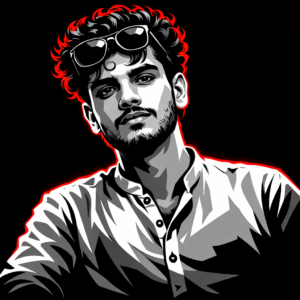
A high-contrast vector illustration of a young person with curly hair and sunglasses perched on his forehead. The art style uses a grayscale palette for the face and clothing, featuring sharp cell shading and deep black shadows. Intense neon red rim lighting outlines his silhouette and hair against a solid black background. Minimalist, modern, and edgy graphic design style.
How To Use This Prompt
Step 1: Copy the AI prompt from this post.
Step 2: Open your preferred AI image editing tool.
Step 3: Upload your original photo.
Step 4: Paste the prompt and generate the image.
Step 5: Download the final vector style result.
Best Use Cases
• Social media profile pictures
• YouTube thumbnails
• Poster style portraits
• Digital artwork
• Personal branding images
Conclusion
AI vector art prompts make it very easy to convert normal photos into stylish graphic illustrations. With the help of this prompt, you can create a bold and professional vector portrait without using complex editing software.
If you enjoy AI photo editing prompts, you can explore more creative prompts and editing ideas on our website where we regularly share new AI editing techniques.