Tag: Chat gpt prompt

  • Trending prompt

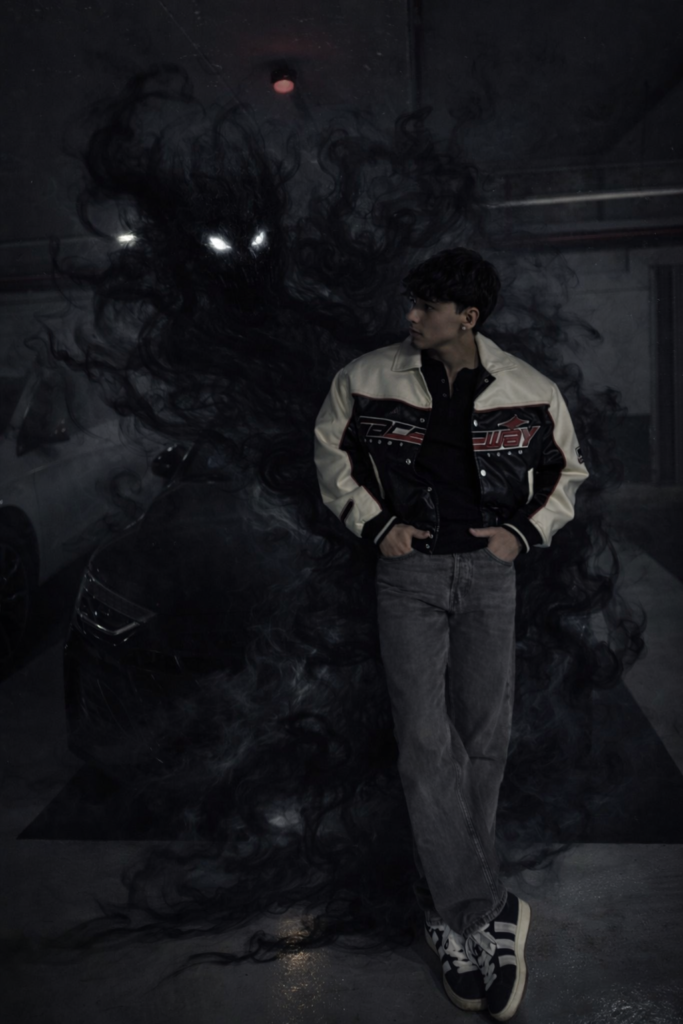
    Ye trending AI photo editing prompt un logon ke liye hai jo apni normal photos ko dark, cinematic aur viral look dena chahte hain.Is prompt ki help se aap:Moody & dramatic background create kar sakte hoSubject ko sharp aur clear highlight kar sakte hoInstagram Reels, Shorts aur DP ke liye professional look bana sakte hoYe prompt beginners aur creators dono ke liye useful hai jo AI image generators ka use karke unique photos banana chahte hain.

    Transform this mirror selfie into a dark, cinematic fantasy scene.Keep the person exactly the same same face, pose, outfit, lighting, and background. Add a shadowy, smoke-like demonic entity emerging from behind the person's back.The entity should be made of swirling black smoke, semi-transparent, with glowing white eyes.The smoke wraps around the body and flows down to the floor naturally, blending with the environment.Maintain realistic shadows, reflections, and depth so the creature feels part of the scene.Dark, moody atmosphere, high contrast, cinematic lighting, ultra-realistic, 4K quality.No change to facial features, clothing, or camera angle.

    ✨ Prompt Use Karne Ka Tarika

    1️⃣ Sabse pehle neeche diya gaya prompt copy kare

    2️⃣ Apna favourite AI image generator (chat gpt /Gemini / Leonardo / Midjourney etc.) open kare

    3️⃣ Prompt paste kare aur apni photo upload kare

    4️⃣ Generate hone ke baad best result ko download kar le

    📌 NoteYe prompt creative aur educational purpose ke liye share kiya gaya hai.Final result AI tool aur input image par depend karta hai.

    👇

    Agar aap is prompt se photo banate ho to comment me apna experience zaroor share kare 🔥
  • CHAT GPT QUALITY INCREASE PROMPT 8K

    CHAT GPT QUALITY INCREASE PROMPT 8K

    PROMPT 👇👇👇👇

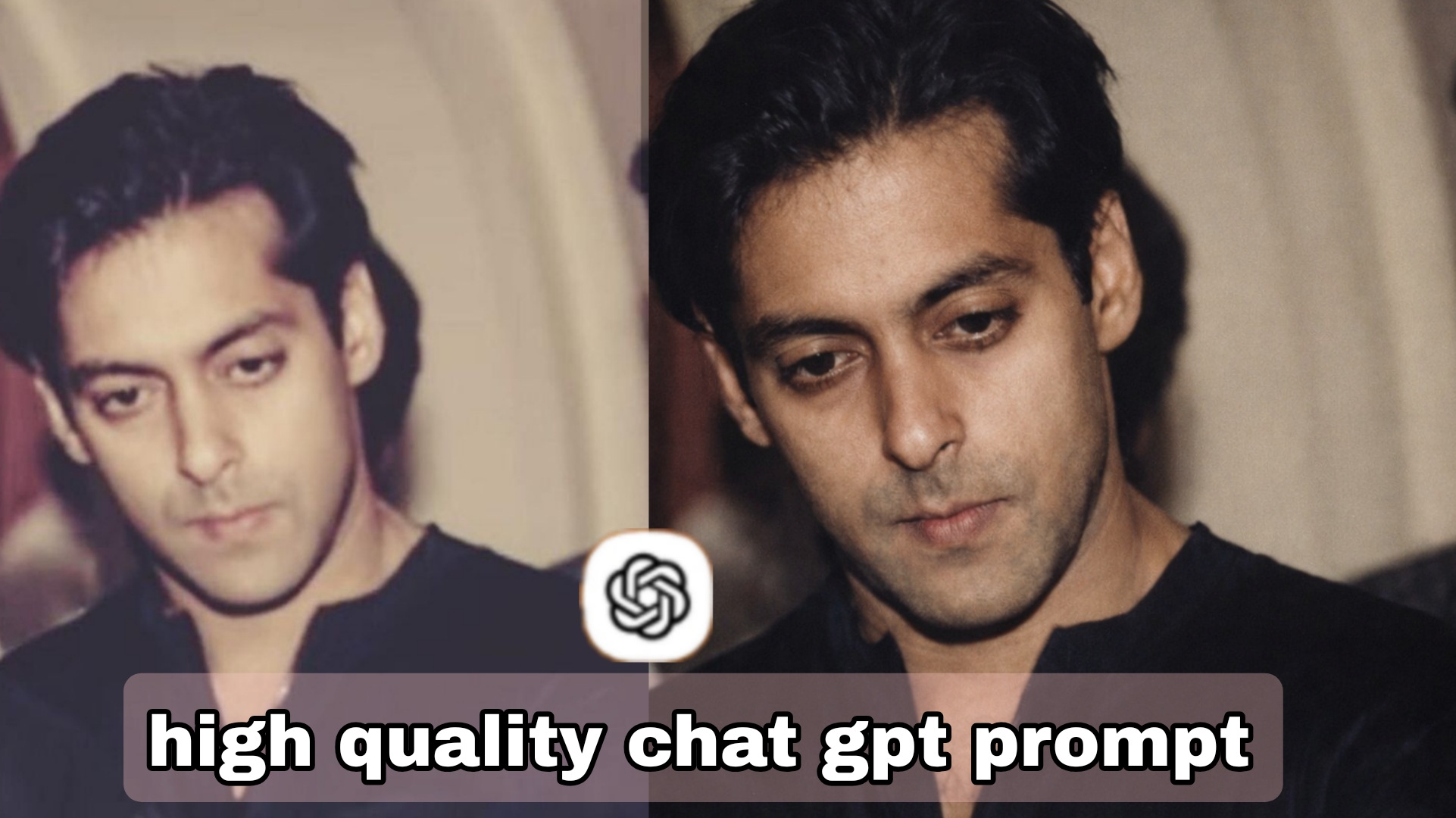
    Enhance the existing photo only keep the original framing, angle, composition, and facial proportions exactly the same. Do not crop, zoom, or convert to a close-up.Improve overall image clarity and sharpness naturally, with special attention to eye detail while keeping the full face and original framing intact.

    Refine focus slightly for better definition without making it overly sharp.

    Apply soft, natural cinematic lighting correction, preserving realistic shadows and depth already present in the image.

    Enhance natural skin texture with visible pores and fine details – no beauty smoothing, no skin softening.

    Remove digital noise and compression artifacts while retaining organic texture.

    Improve dynamic range and contrast subtly, with muted highlights and rich mid-tones.

    Maintain accurate, organic skin tones with realistic color balance.

    Add very subtle cinematic film grain for a professional movie-still look.

    Background should remain exactly as it is, only slightly cleaner if noisy no artificial blur added.

    Preserve all facial features, expressions, hair strands, and natural imperfections.

    Photorealistic result, professional camera look, high-quality enhancement only – no stylization.

    NEGATIVE PROMPT (CRITICAL)

    close-up, zoomed-in, cropped face, changed framing, face alteration, reshaped features, beauty filter, oversmoothed skin, plastic skin, waxy texture, Al face, cartoon, anime, CGI, illustration, painting, artificial blur, fake bokeh, harsh lighting, flat lighting, over-sharpening, halos, HDR look, distorted eyes, asymmetry, extra details, digital artifacts, smartphone filter look.

    RECOMMENDED SETTINGS (IMPORTANT)

    Image-to-Image Strength / Denoise: 0.15-0.30

    CFG/Guidance: 5-7

    Steps: 25-35

    Face Restoration: OFF

    Upscale: After final result only (2x max)

    Seed: Fixed (for consistency)