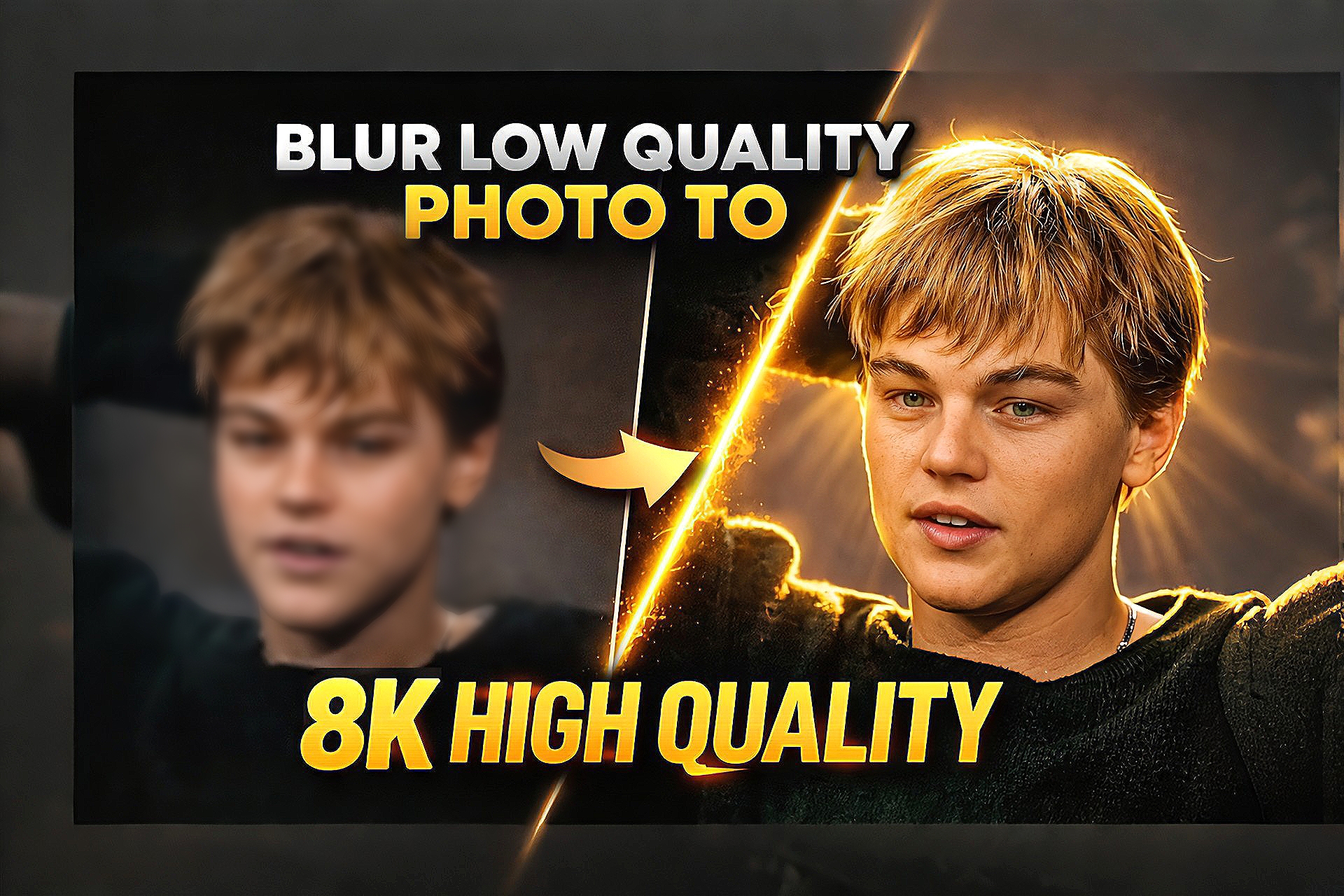
AI photo enhancement tools are changing the way people improve their images. In the past, fixing a blurry or low-quality photo required advanced editing skills and professional software. Now, with the help of powerful AI prompts, it is possible to convert a blur or low-resolution photo into a clear and high-quality image within seconds.
Many creators and photographers use AI image tools to enhance old photos, social media pictures, and low-resolution images. These tools analyze the details of the image and intelligently restore sharpness, lighting, and textures. As a result, the final image looks much clearer and more professional.
In this post, we are sharing a powerful AI prompt that can transform a blurry photo into an 8K high-quality image. This prompt is designed to keep the original face and composition natural while improving sharpness, clarity, and overall visual quality.
How This AI Prompt Works
This AI prompt works by analyzing the structure of the image and reconstructing the missing details. It enhances edges, restores textures, and improves lighting so that the image appears sharper and more detailed.
Instead of simply increasing resolution, the AI intelligently recreates fine details such as skin texture, hair strands, and natural lighting. This results in a realistic high-resolution image that looks natural rather than over-edited.
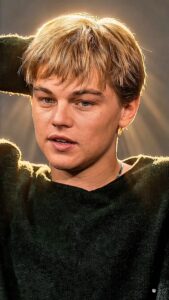
Enhance the uploaded photo to ultra-high resolution while keeping the pose, framing, background, face, clothing, and composition exactly the same. Do not change the facial identity.

Remove heavy shadows and apply warm golden cinematic lighting similar to golden hour sunlight. Add a strong soft backlight from the top or behind the subject, creating a warm glowing halo around the hair and shoulders.

Illuminate the face with soft diffused front light so facial details remain clear and natural. Restore natural skin tones and fabric colors while improving brightness, contrast, and dynamic range.

Add warm sunlight rays and subtle sunbeams from the background, creating glowing highlights on the hair, cheekbones, nose bridge, and lips.

Inject a soft cinematic lens bloom and warm glow around the subject while keeping the background slightly darker for depth and contrast.

Reduce blur, noise, and compression artifacts while regenerating fine details such as skin texture, hair strands, and clothing texture.

Final result should look like a professional cinematic portrait with warm golden sunlight, soft backlight, DSLR quality, sharp focus, and high dynamic range.

Hard rule: do not change the face, pose, or composition.
How To Use This Prompt
Step 1: Copy the AI prompt from this post.
Step 2: Open any AI image generator such as ChatGPT image tool, Gemini or Leonardo AI.
Step 3: Upload your original blurry photo as the reference image.
Step 4: Paste the prompt and generate the enhanced image.
Step 5: Download the final high-quality result.
Best Use Cases
Improving old photos
• Fixing blurry social media pictures
• Enhancing profile photos
• Creating high-quality thumbnails
• Restoring low-resolution images
Conclusion
AI photo enhancement prompts make it easy to transform low-quality images into clear and professional visuals. With the help of this prompt, you can quickly convert a blur photo into a detailed 8K-style image while keeping the original face and composition intact.
If you enjoy AI photo editing and creative prompts, you can explore more AI editing ideas and prompts on our website where we regularly share new tools and techniques for improving images.